Purpose
To give you a report that can be shared with the Vendor at any time, marking key performance indicators of their Property on the market.
Instructions
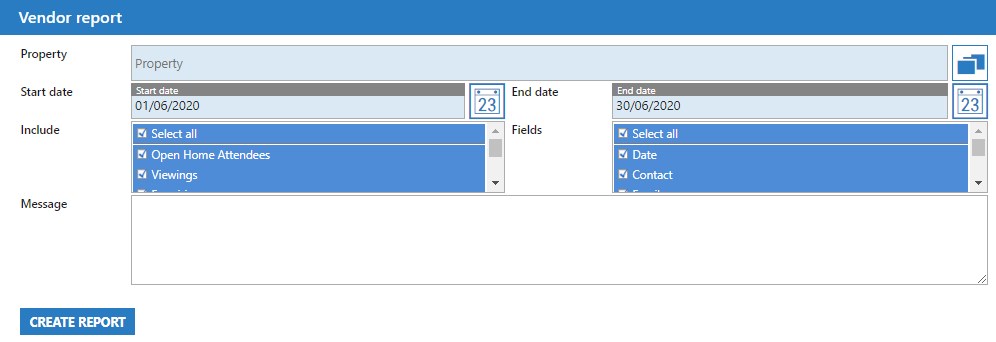
- Using the Chooser box, seelct the Property that you wish to run the report on
- Select a start and date for Core to use data from, and also the types of fields and key information that you’d like in the report
- You also have the option to write a message that will be invluded in the report to the Vendor
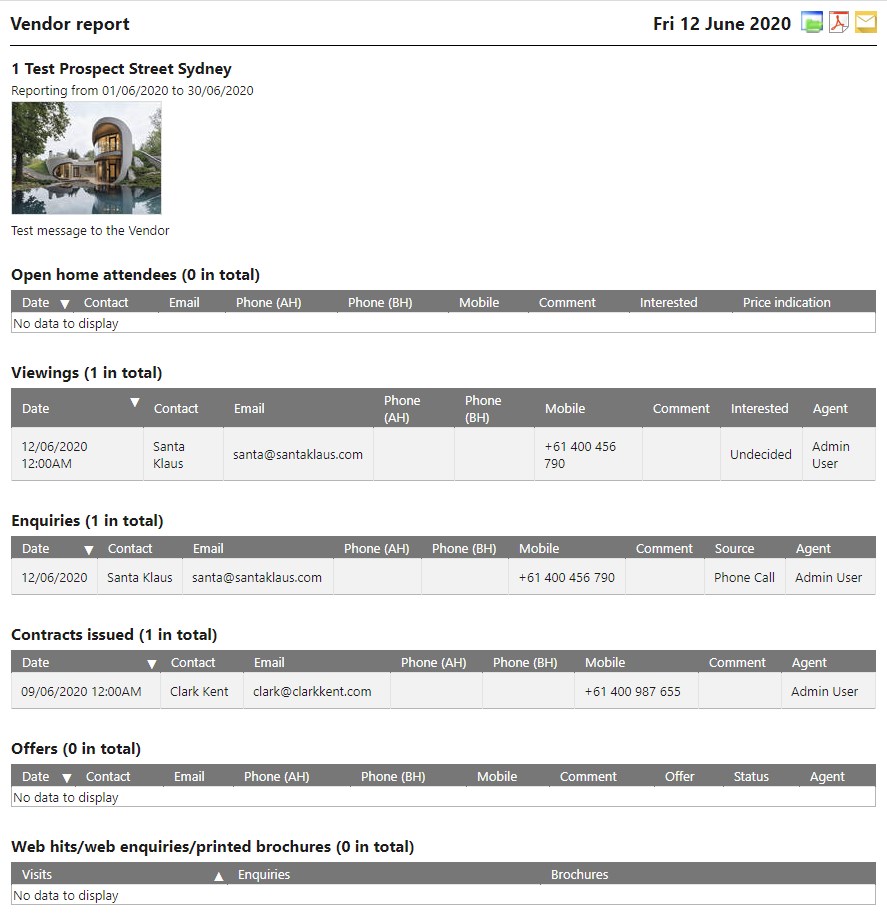
- Once done, press Create Report. Example output below: