Purpose
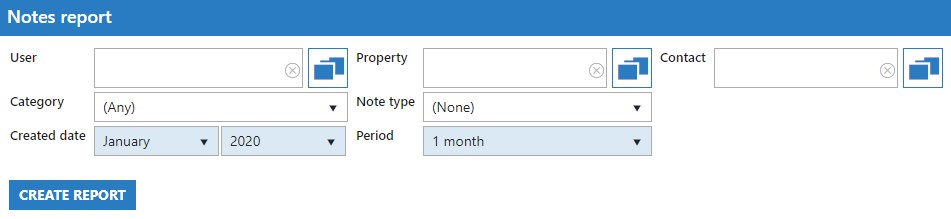
To give you the ability to filter on notes across your agency left be either a particular User, on a certain Property or Contact.
Instructions
- The fields in blue are required. Select these, along with any other filtering you wish and click the “Create Report” button to export your report. Your browser will open a new window displaying the report and provide you with the option to export out in CSV or PDF format.
- Example output below:
