Purpose
This feature is to be used by agencies that have their client facing website designed and hosted by Core. It gives you the ability to select a feature/hero Property to appear front and centre on your site, catching the viewers eyes immediately
Instructions
- Click the “Make Feature Property” option in the Marketing menu.
- You will be given a list of your current feature properties. Here you can highlight, then edit or delete them etc. In this exercise we will create a new one
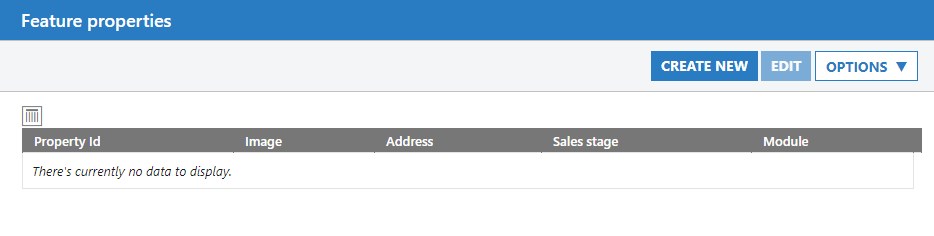
- Click the Create New button
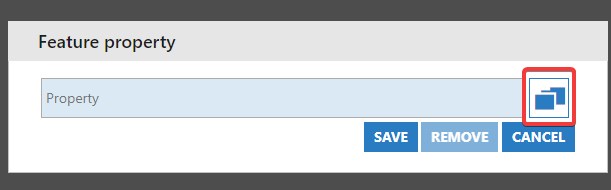
- Click the Chooser icon to select the property for your featured position
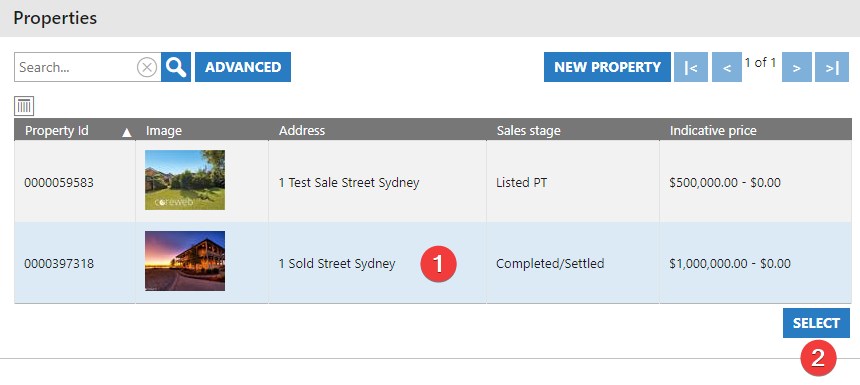
- Highlight the property by left clicking on it once, then press the Select button
- Verify that the Property is listed, then press Save
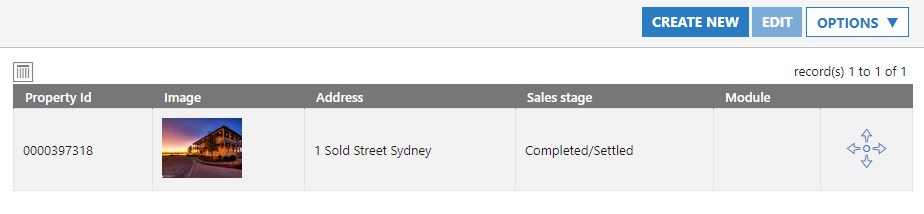
- Your property is now listed and will appear in the featured section of your web page