Purpose
It is important that you know what each of the available components do. Below is a list of the components, description of their function, a screenshot of their configuration and another of the final product.
Hover over the images below to see their description, and click them to see more information.

Agent Profile
A single agent profile with photo and personal bio. This is pulled from the Core system and uses a chooser box to select the specific agent you wish to show.
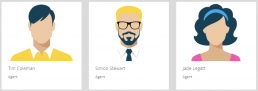
Agent Profiles
A multiple agent component identical to the above except you can pick several agents. Great to show off the team
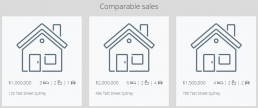
Comparable Sales
A free choice set of fields that allow you to manually enter properties, their attributes and their sale prices.

Image
Provides the ability to place an image into your presentation
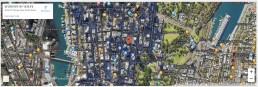
Map
A google maps representation of the property’s location. This is taken directly from Core and needs to configuration unless you want to change the component itself visually.
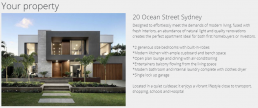
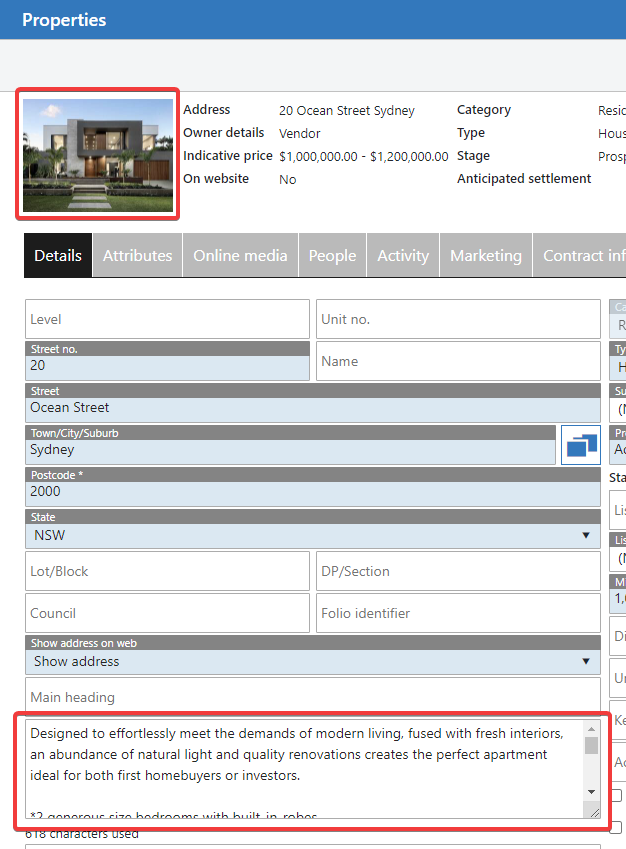
Property Details
Takes the first image loaded on the property, and the property description.
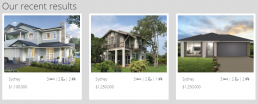
Recent Sales / Leases
Uses a chooser box to let you select sold properties in the Core system that are of intererst to this Vendor, and their sale with you
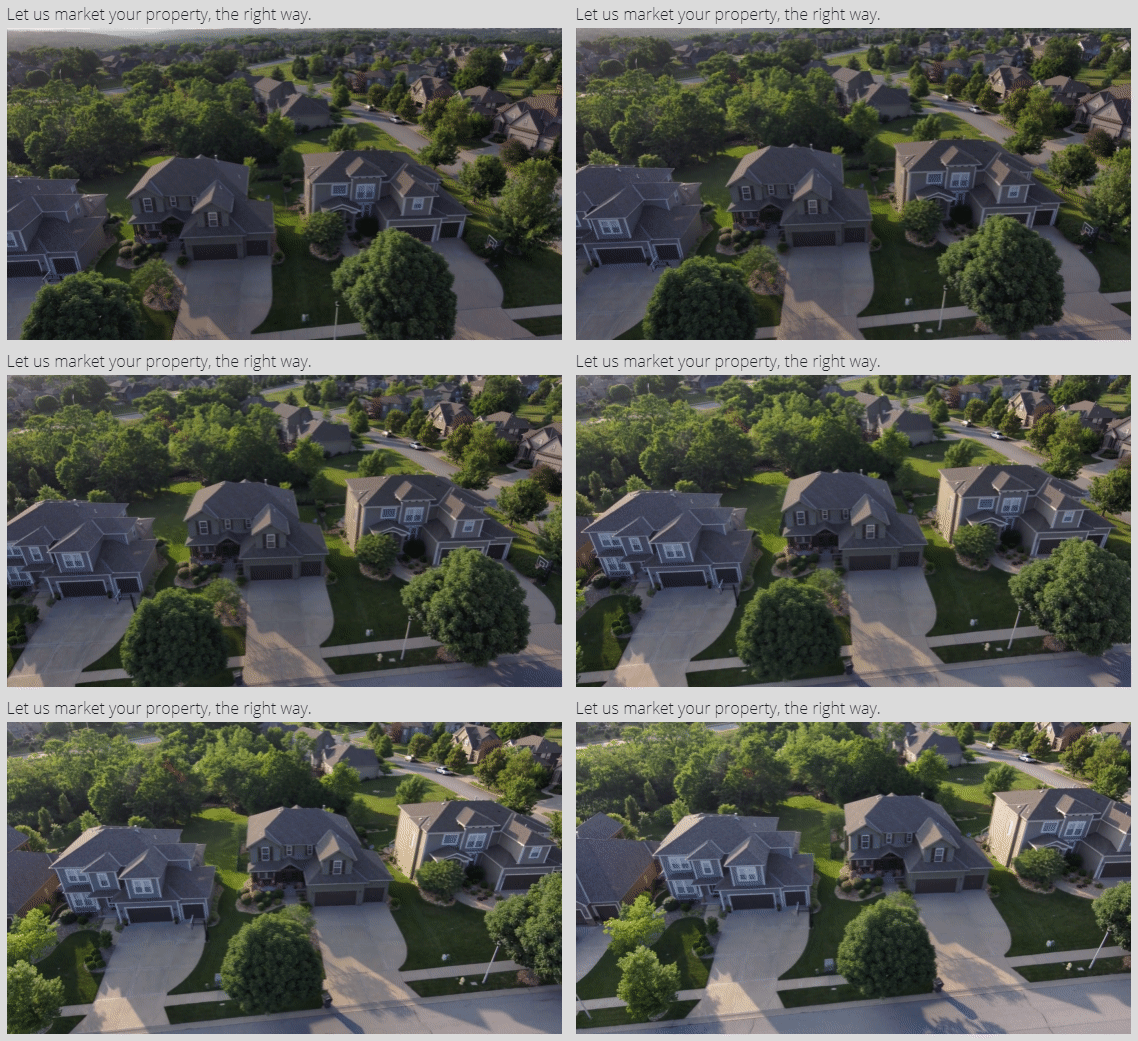
Video
Using Youtube or Vimeo, paste the link to videos that will be embedded into your presentation.
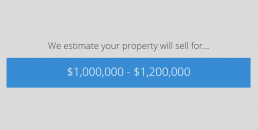
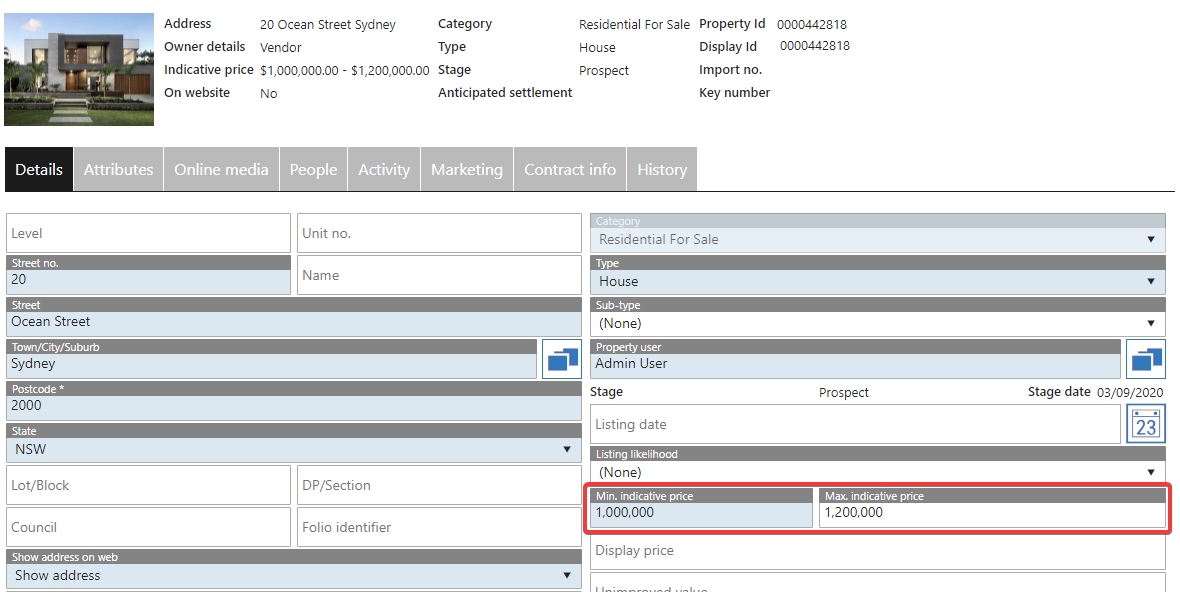
Price Estimate
Pulls the min/max pricing from the property in Core. If no max is supplied, the will be missing from the estimate in the proposal

Marketing Plan
Used to display the marketing plan attached to the property, or manually select one from your list.
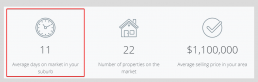
Content
Predominantly a text box that can be used for headings or other pieces of writing. The Content Editor has a multitude of formatting options in the top menu to get your text looking exactly as you want. Images can also be used here.

Testimonials
Allows you to pick relevant testimonials from the Core system to display as part of your presentataion to the Vendor. These will scroll as a slider/carousel.
Components List
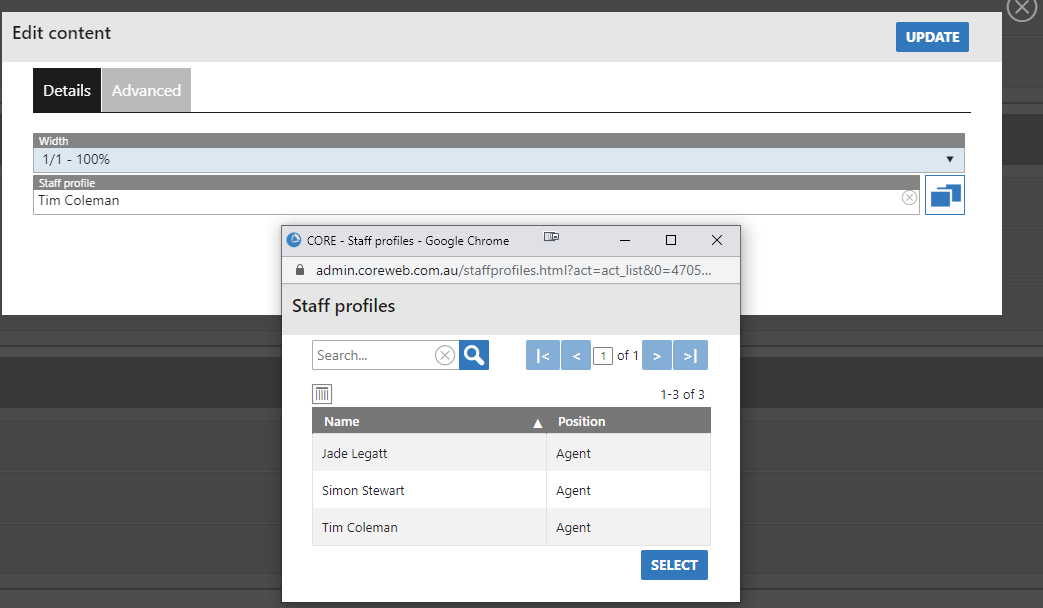
Agent Profile
A single agent profile with photo and personal bio. This is pulled from the Core system and uses a chooser box to select the specific agent you wish to show.
Component Configuration
Example Proposal Output

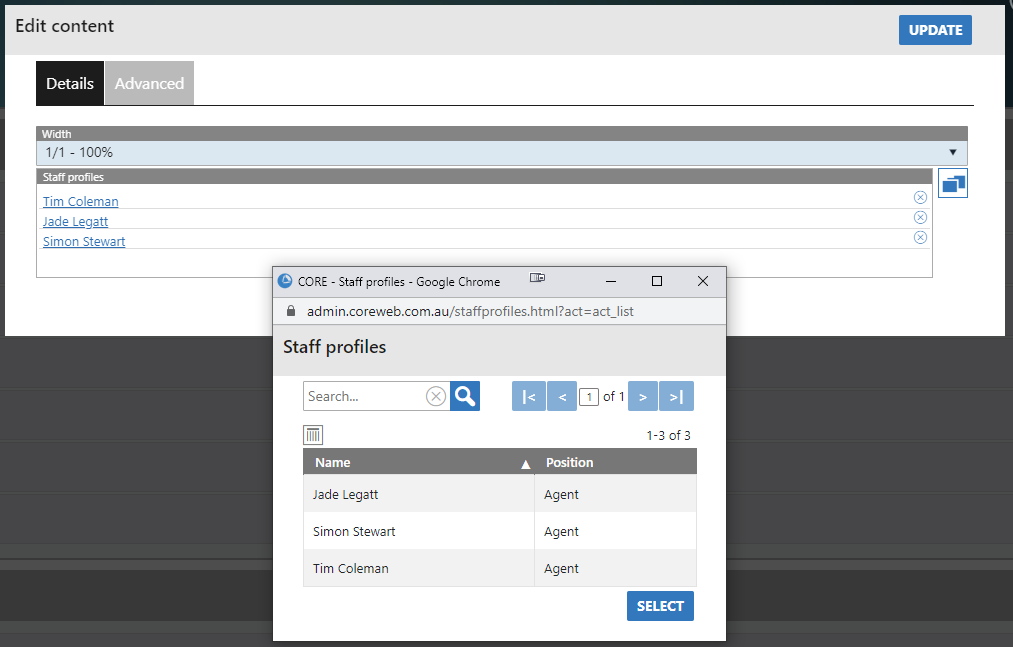
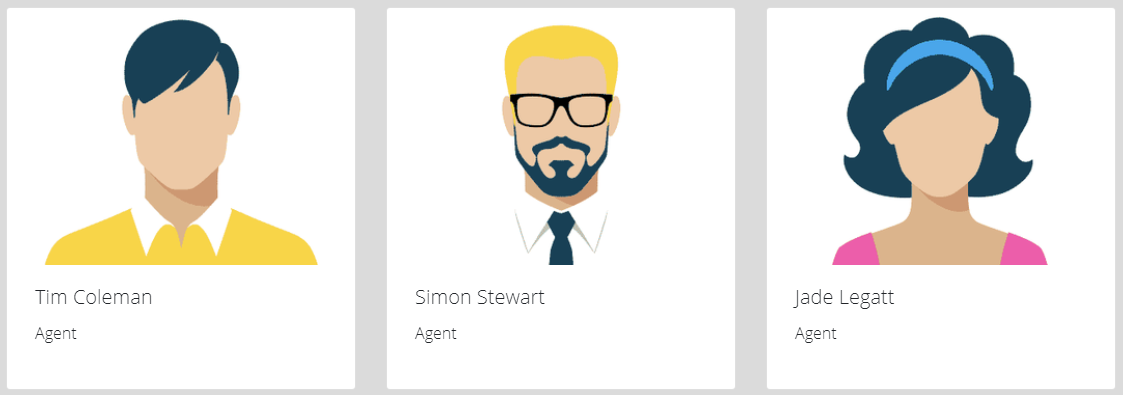
Agent Profiles
A multiple agent component identical to the above except you can pick several agents. Great to show off the team
Component Configuration
Example Output
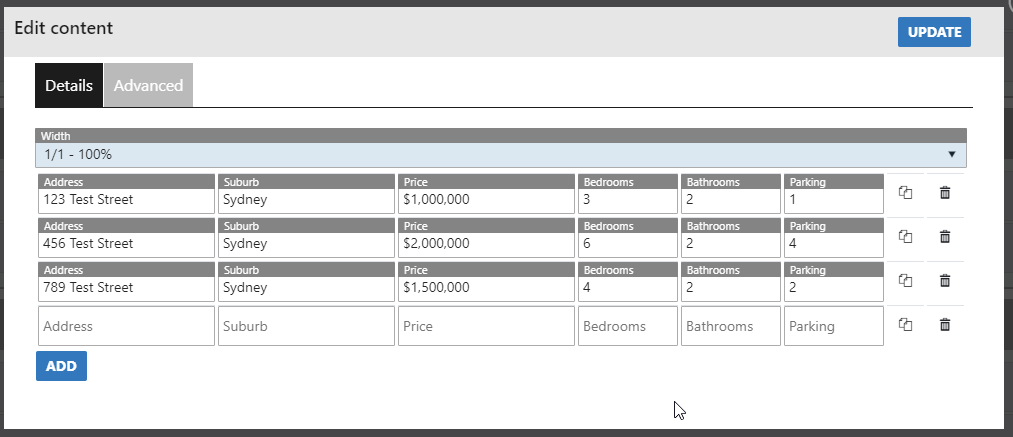
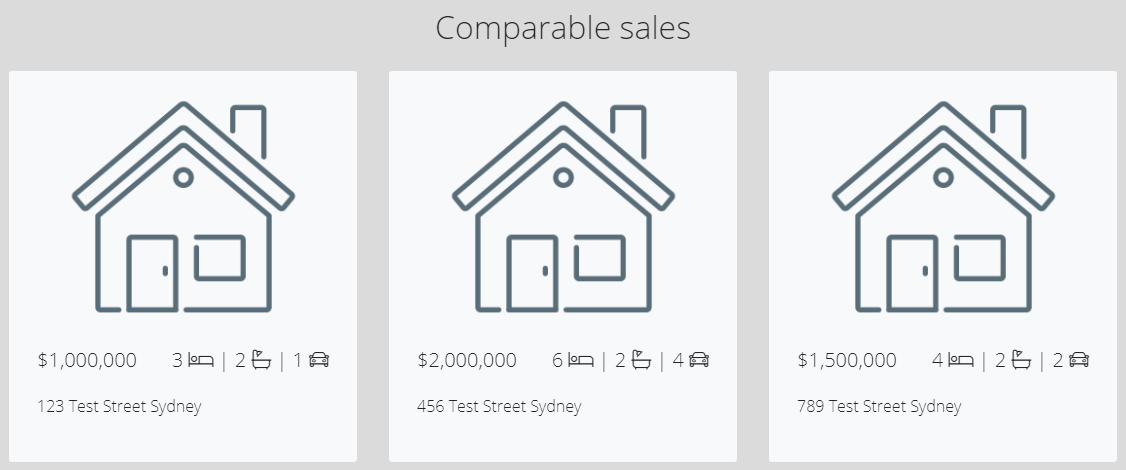
Comparable Sales
A free choice set of fields that allow you to manually enter properties, their attributes and their sale prices.
Component Configuration
Example Output
Content
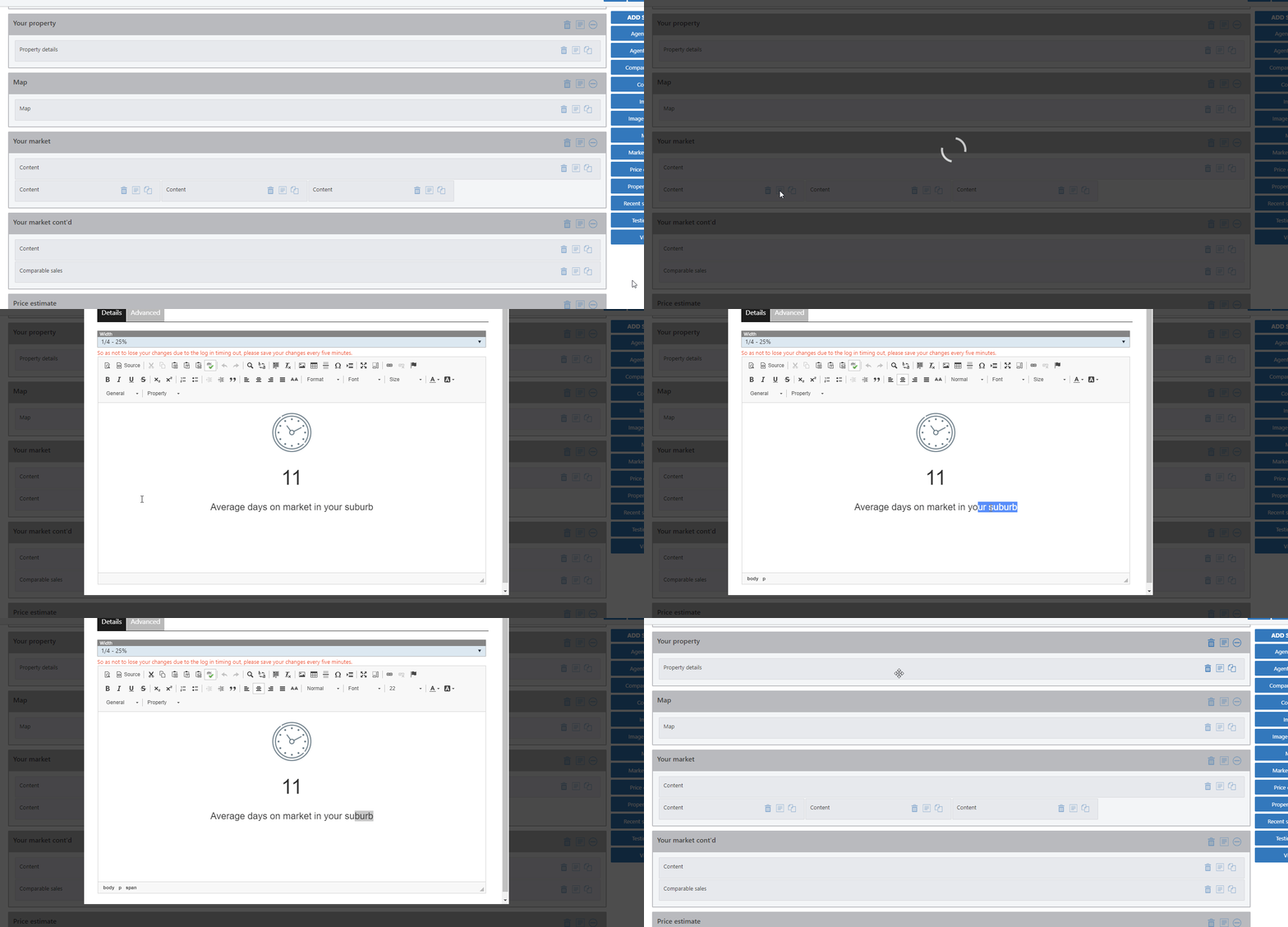
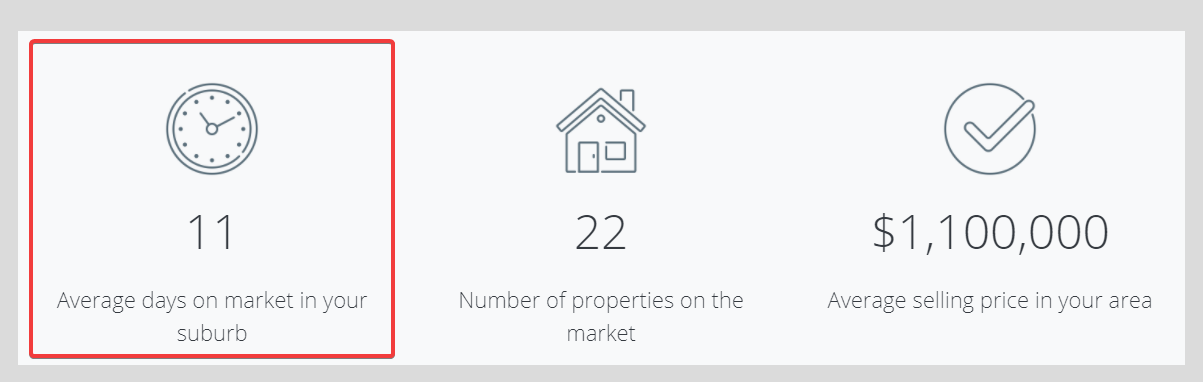
Predominantly a text box that can be used for headings or other pieces of writing. The Content Editor has a multitude of formatting options in the top menu to get your text looking exactly as you want. Images can also be used and have been in the example below
Component Configuration
Example Output
Image
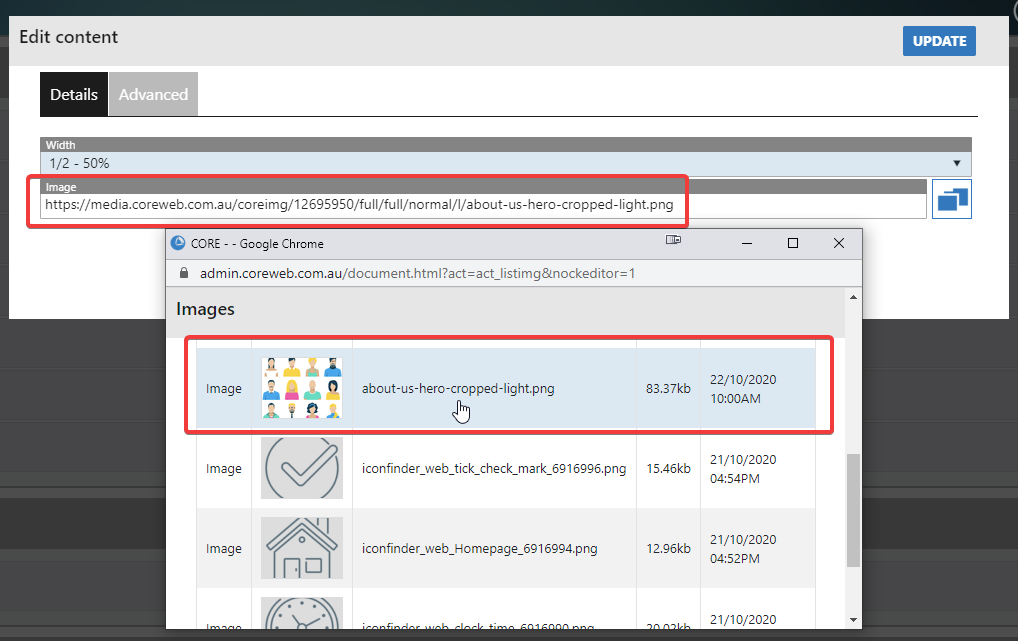
Provides the ability to place an image into your presentation
Component Configuration
Example Output

Image Carousel
Provides the ability to place several images into your presentation. These will scroll through as a slider/carousel.
Component Configuration
Example Output
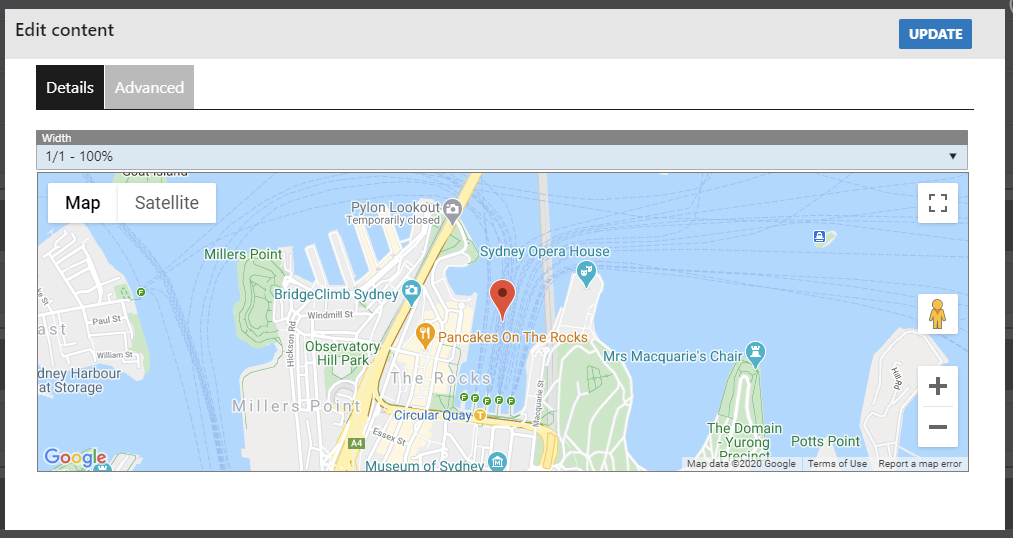
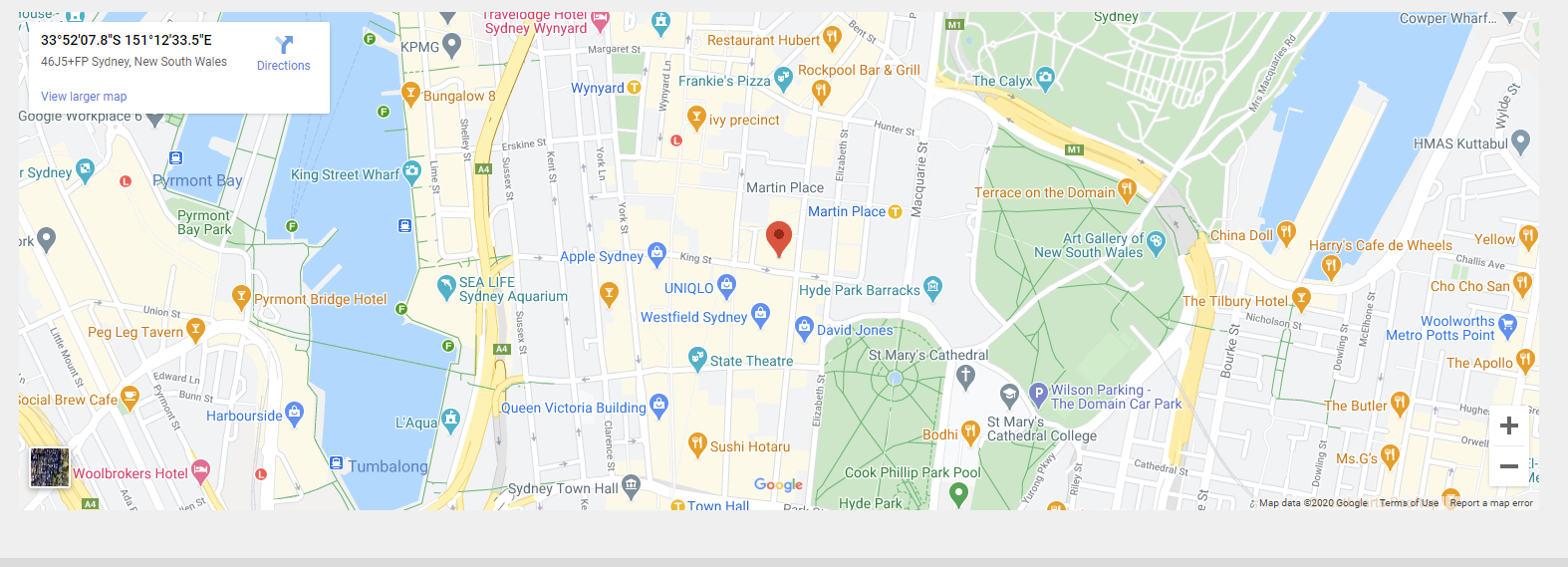
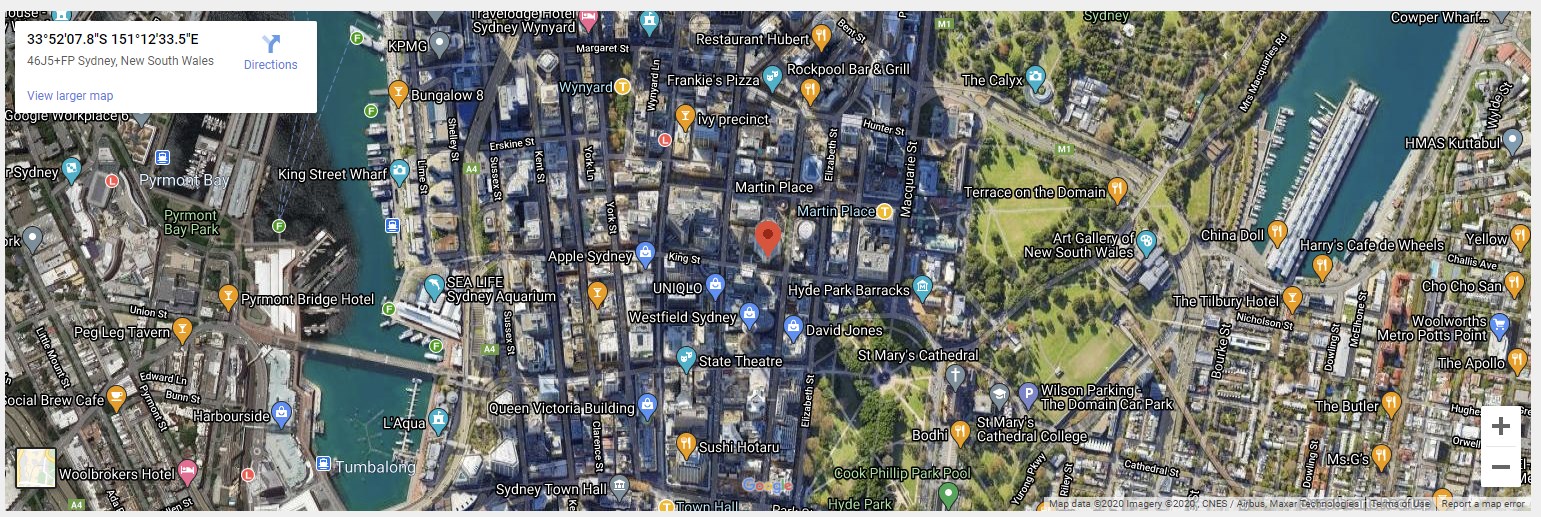
Map
A google maps representation of the property’s location. This is taken directly from Core and needs to configuration unless you want to change the component itself visually.
Component Configuration
Example Output
Normal View
OR
Satellite View
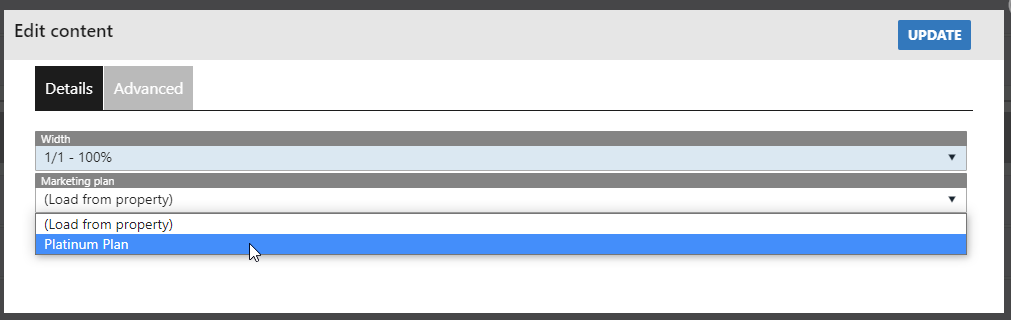
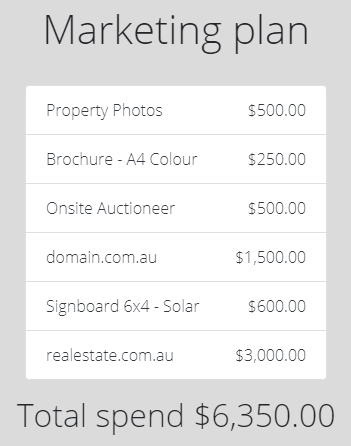
Marketing Plan
Used to display the marketing plan attached to the property, or manually select one from your list.
Component Configuration
Example Output
Price Estimate
Pulls the min/max pricing from the property in Core. If no max is supplied, the will be missing from the estimate in the proposal.
Component Configuration
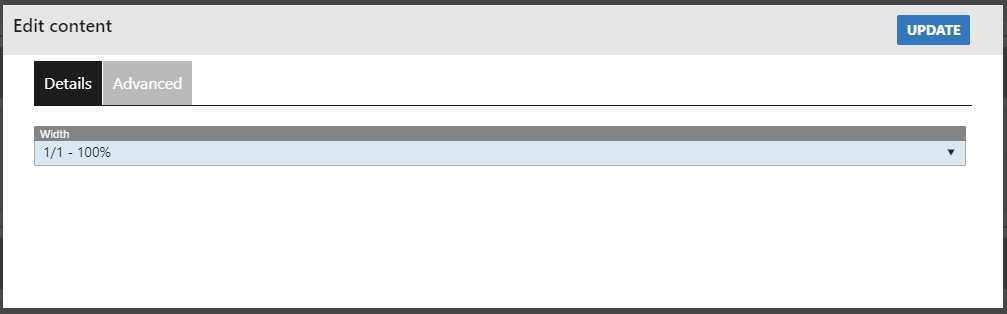
This is a component that you do not need to change any settings for, other than its visual options.
Example Output

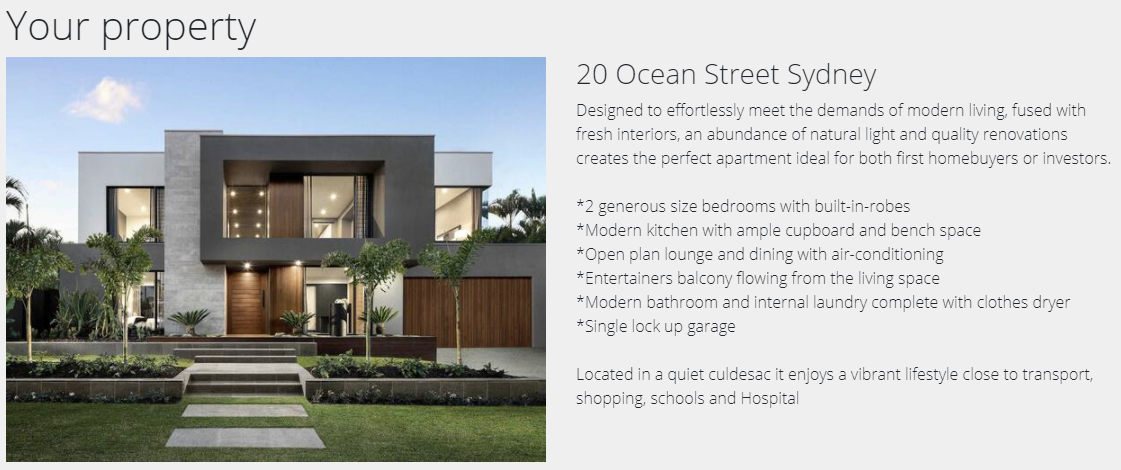
Property Details
Takes the first image loaded on the property, and the property description.
Component Configuration
Example Output
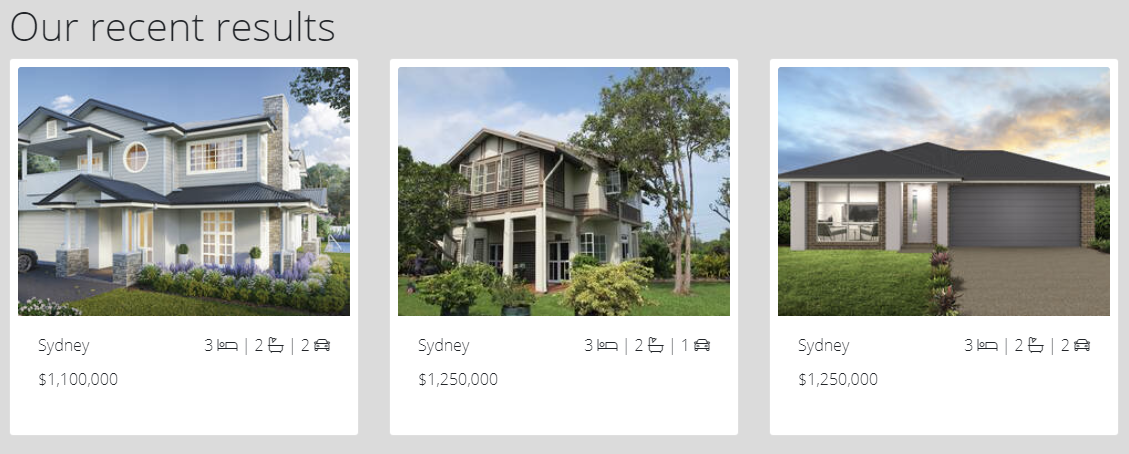
Recent Sales/Leases
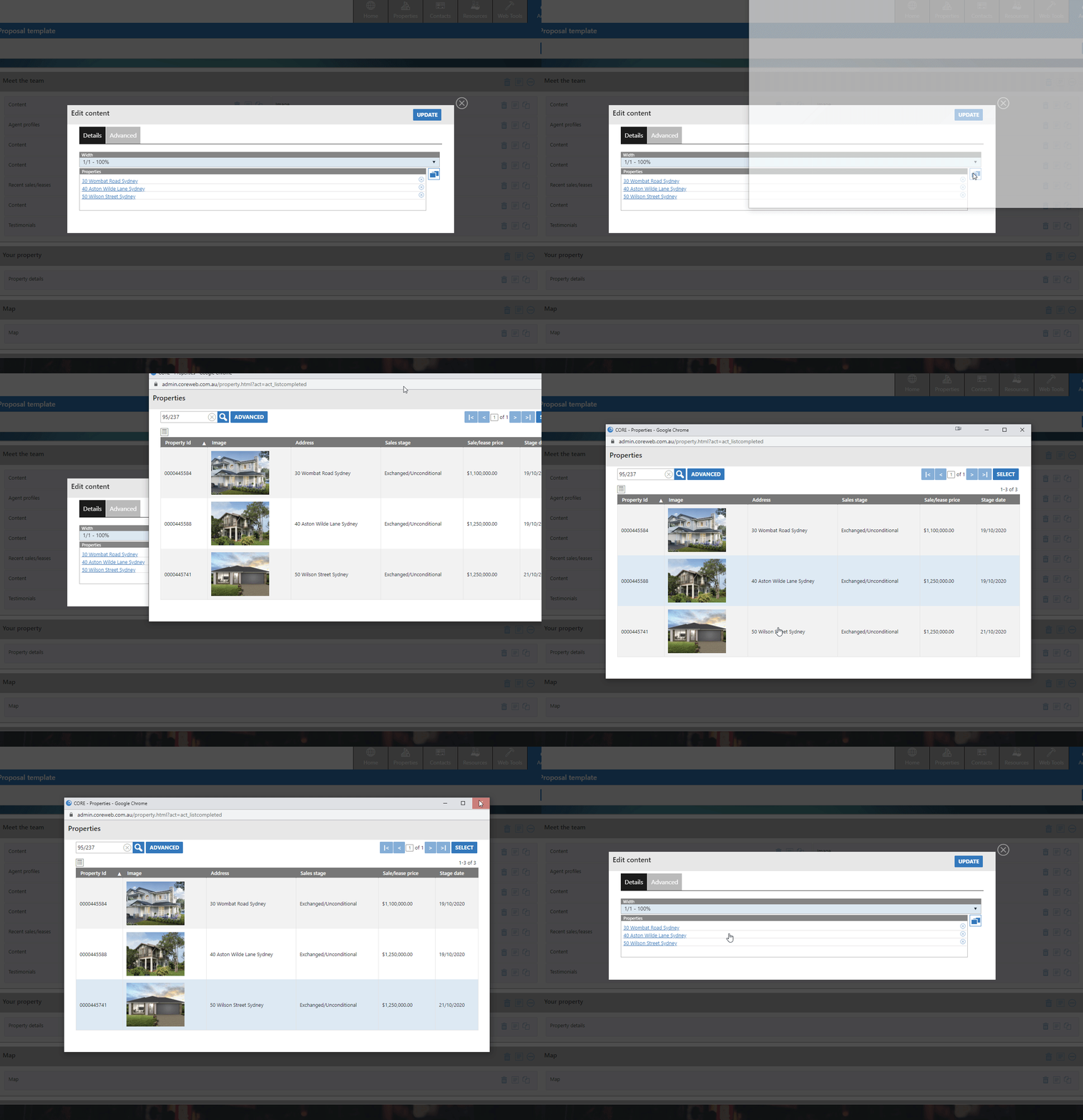
Uses a chooser box to let you select sold properties in the Core system that are of intererst to this Vendor, and their sale with you.
Component Configuration
Example Output
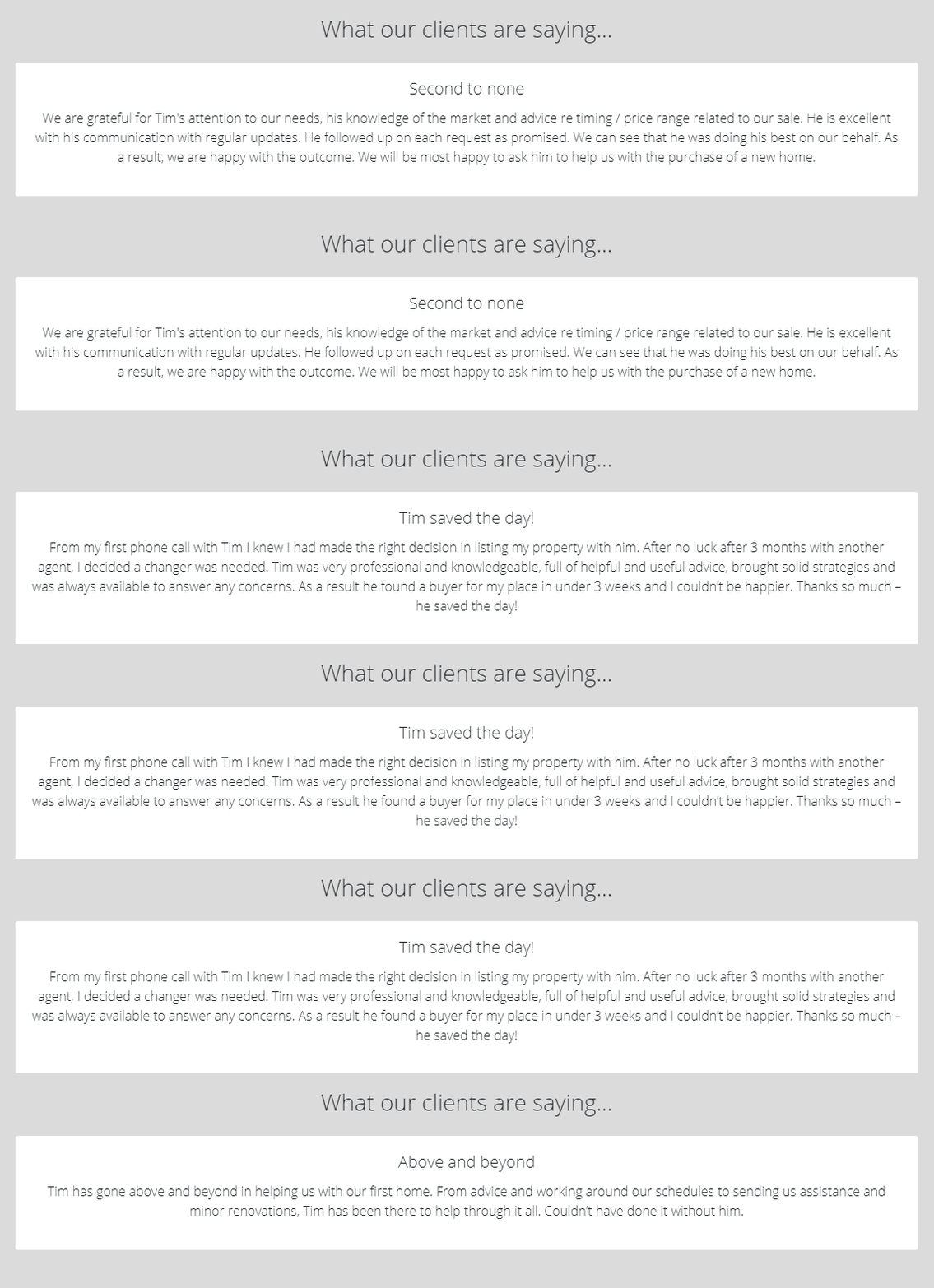
Testimonials
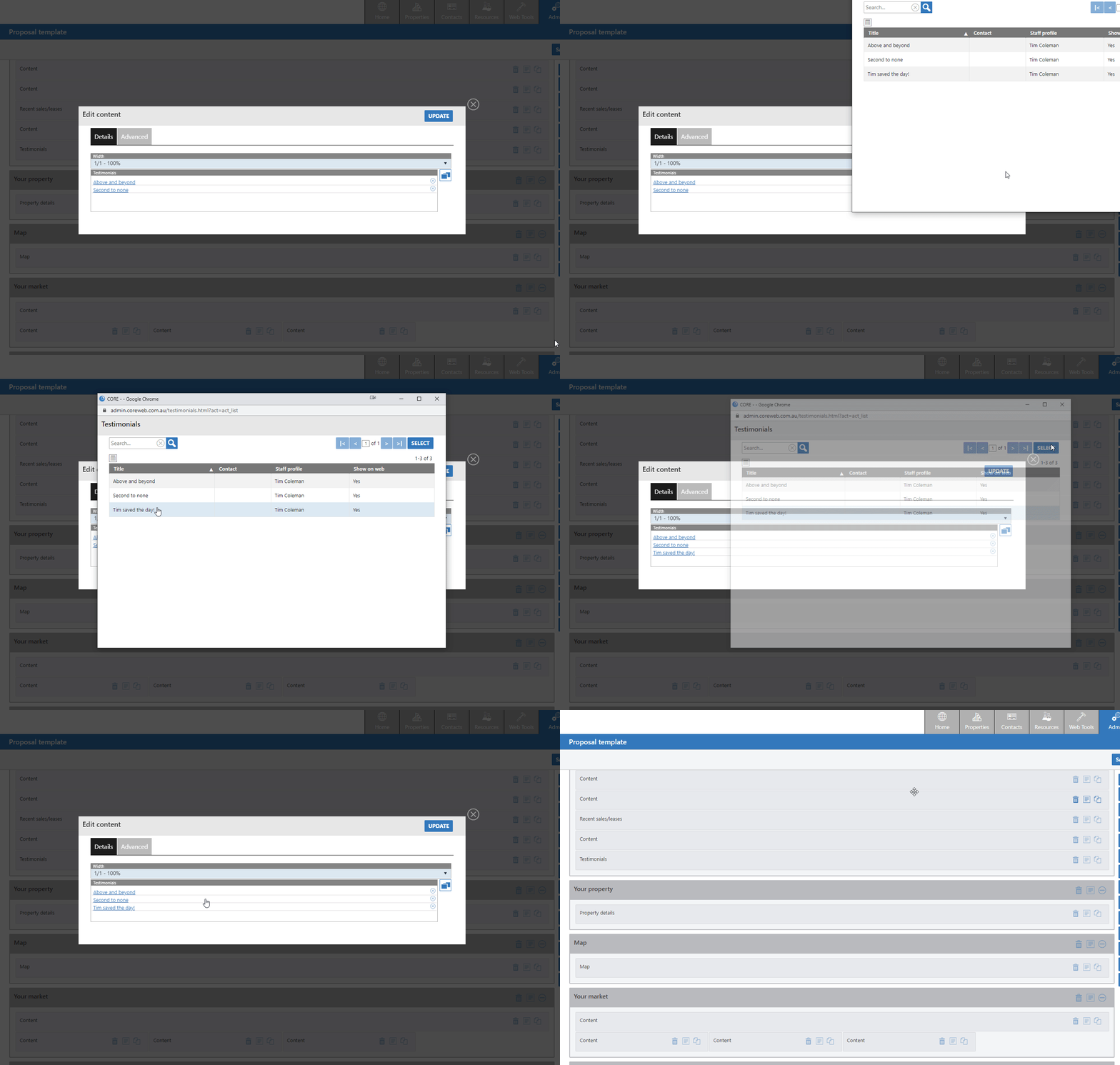
Allows you to pick relevant testimonials from the Core system to display as part of your presentataion to the Vendor. These will scroll as a slider/carousel.
Component Configuration
Example Output
Video
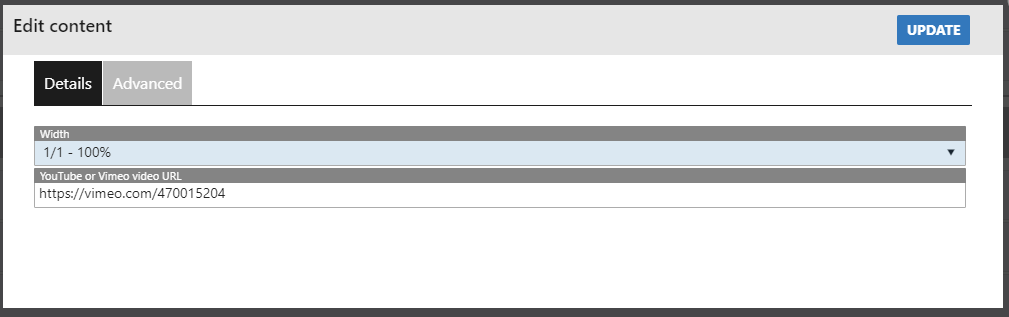
Using Youtube or Vimeo, paste the link to videos that will be embedded into your presentation.
Component Configuration
Example Output