Purpose
To copy/duplicate an existing property in the Core system into a new unique listing
Note: Duplicating a property may have implications on any financial reporting that you are doing. Please be aware of this before proceeding
Instructions
Example video showing how to copy a residential sale into a residential lease
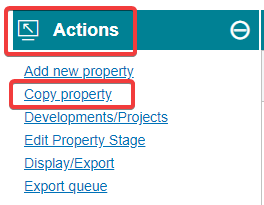
- Highlight the original property that you want to duplicate, then under the Actions menu choose Copy property
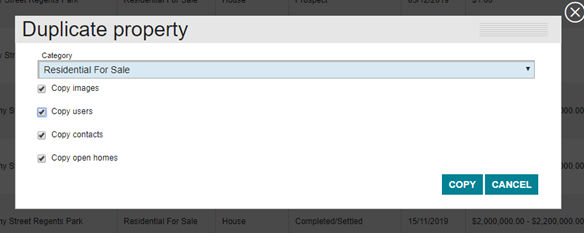
- Choose the category and select the items you want to duplicate, then hit copy
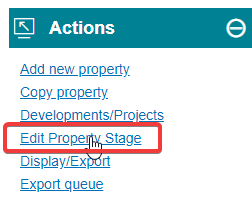
- You’ll now need to edit the property stage. You will already be sitting in the duplicate, so from the Actions menu select Edit Property Stage
- You will now be able to edit the stage. It will default to prospect, so you will need to follow your workflow and change the stage to the desired level and enter any information required to complete. You may have to do this several times to push the property through to its desired stage. More detailed information on property stages can be found here
- Once done, you will need to Export the listing if you desire to do so as it defaults to not being done.