Purpose
The core of Core. Adding your property is fundamental to having the system work for you. To add a property you will need to have some key information on hand to be able to complete the workflow. That is:
- Whether the property is for sale or for lease
- The type of sale or lease
- The type of property (eg House, duplex, villa etc)
- The property address
- The minimum indicative price
Instructions
Example video of adding a new Residential property.
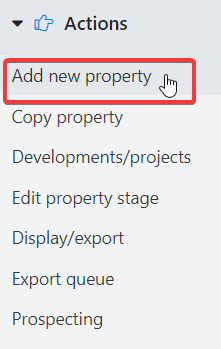
- Click Add new property in the Actions menu
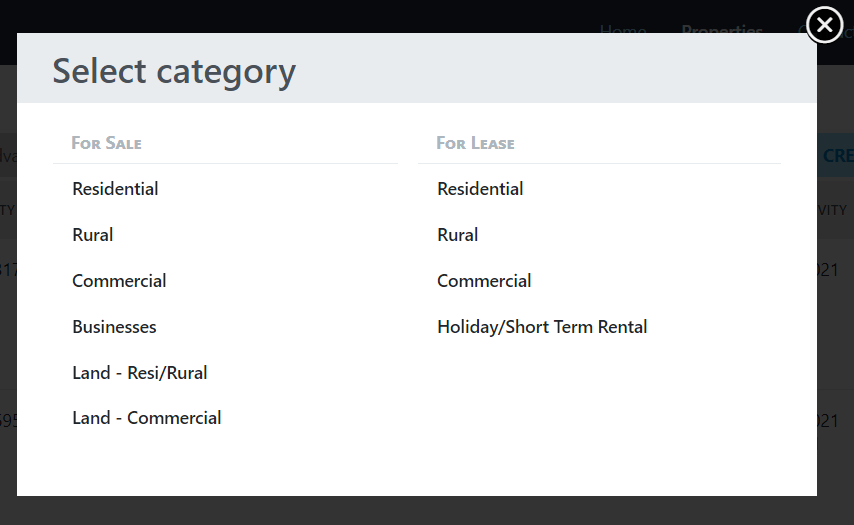
- Select the category of the property you are wishing to add. This choice will pre-fill the “Category” field on the property details screen
 r
r
- Enter all of the required information regarding the property. When choosing the Town/City/Suburb it is best to click on the select box to search and choose from a list.
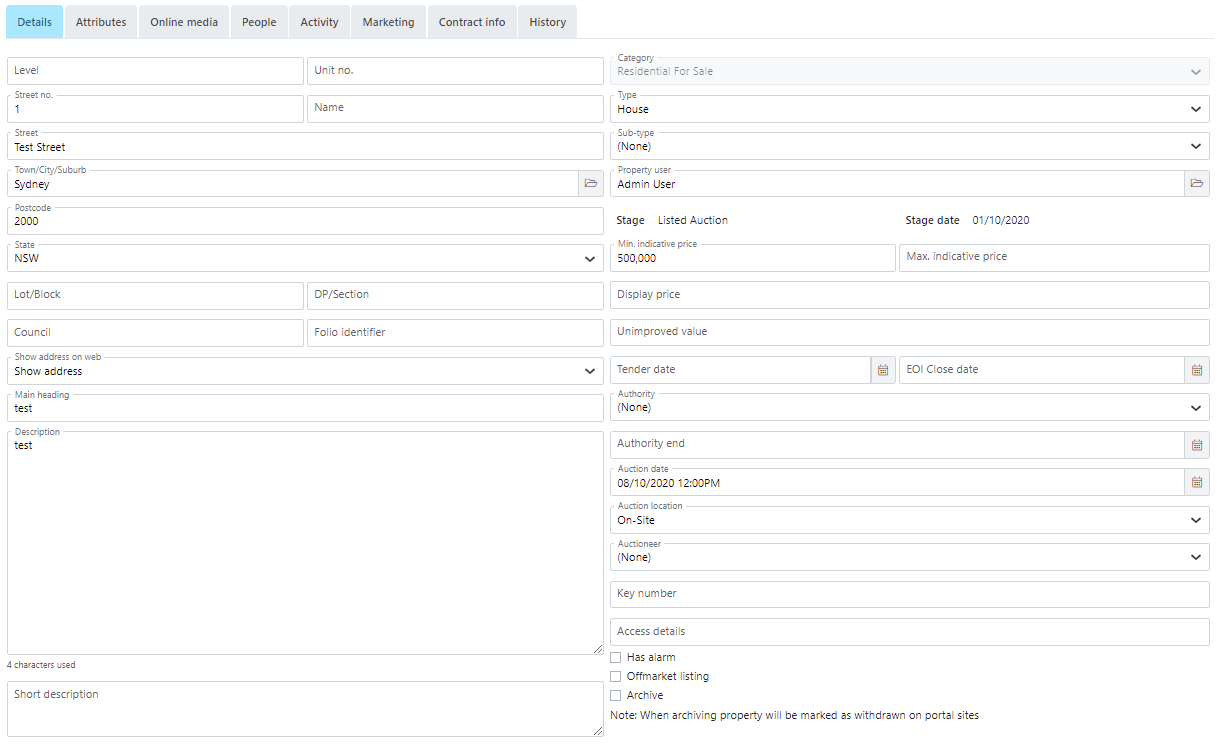
- At this point you can press the Save & Close button to add the property or navigate through the top menu options to add more detail (Photos, attach contacts etc) if you wish.