Purpose
In exactly the same function as the Match Contacts option under a Property, this allows you to highlight a Contact and then see all of the Properties you have listed that they might be interested in.
Instructions
- Highlight a Contact, then click Match Properties under the Marketing Menu. A popup window will appear listing the Properties that match:
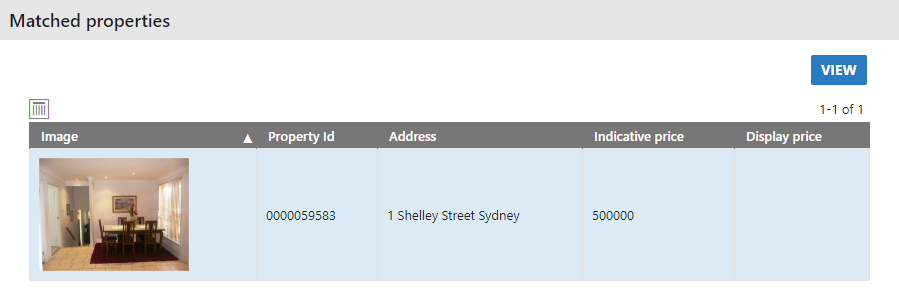
- In this example our Contact has matched with one property. You can open it up to view, and from there can start your workflow to send the details of the Property to this Contact if you wish.