Purpose
To give you a high level understanding of the framework for proposal building. It is recommended that you read this before starting to use the proposal system.
Overview
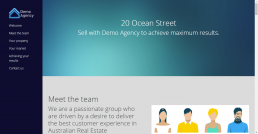
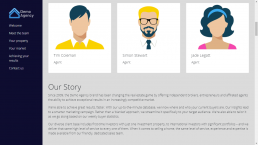
The Core system has a tool for you to create Digital Proposals to send to home owners. This area allows you to design and customize your own proposal style, catering it to the property and the owner. Your office can have multiple design templates that everyone can use, or you could choose a different template for each agent. It is up to you. A description of the proposal components can be found below, along with links to more detailed guides.
Brand Style
All proposals are based on what we call a “brand style”. This contains your font, colours etc – all of the settings for your proposals to be based on. This is a section that only Core has access to as it should be considered something happening behind the scenes. Brand style will need to be set up from scratch before any proposals can be designed, so contact the Core team if you would like to use the function.
Proposal Templates
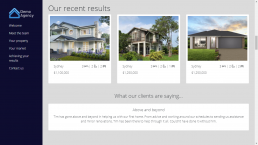
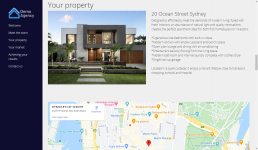
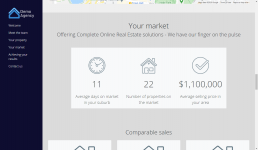
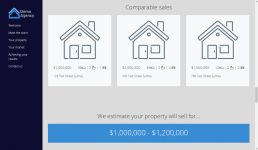
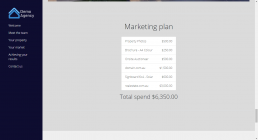
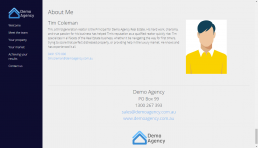
This is where you design your master templates and will be the basis for your content. Once editing the templates you can create a wireframe with “sections” which can be considered buckets for information, and “components” which all have a different function and get placed inside the section. The beauty of the Core system is that our components can all read from information that has been entered into the property. This includes things like the home owner’s name, property address, your team, your profile, pricing, recent sales, your marketing plan, testimonials… the list goes on and will continue to be updated. Once you have perfected your proposal template, you move on to creating the proposal that is unique to your property.
Click here for a more detailed guide on the Proposal Templates function
Click here for a detailed list of the Proposal Components available to you
Create Proposal
Finally, the create proposal option is activated by highlighting a property, then clicking it. You will get a chance to select your template, then all of the dynamic information in your components will be pulled in for you. On this screen you get a chance to make changes to text and move pieces around but if you had your master proposal template setup accurately then there shouldn’t be much to do. Once published you’ll get a link that you can then send to the home owner.
Click here for a more detailed guide on the Create Proposal function
Click here for a detailed list of the Proposal Components available to you