Purpose
A single location to allow reporting on all Contact Tasks in the system. This is filterable by your desired criteria.
Instructions
- Click on the Diary Report link under the Reports menu. The screen below is shown:
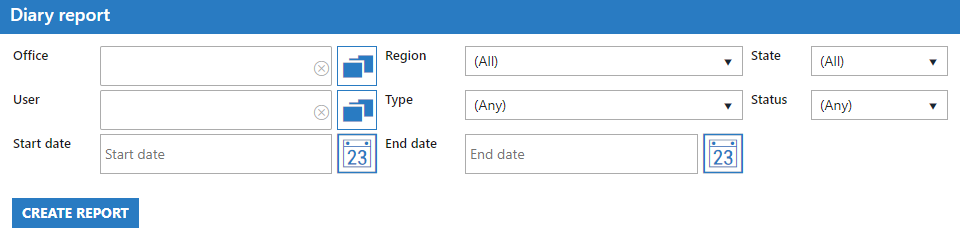
- Select the appropriate criteria to narrow down the results of your report as required. The status will likely be the field you are interested in as it allows you to filter out items that are complete if you wish. Once you are ready, press Create Report.
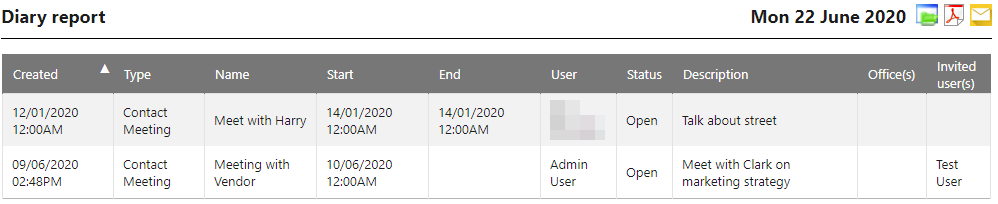
- Example report output below: