Purpose
To give you a report that details Contact’s Anniversary Dates. For these to appear, they need to have been entered and saved on the Contact’s file.
Instructions
- Click on the Contact Anniversary link under the Reports menu. You will see the following screen:
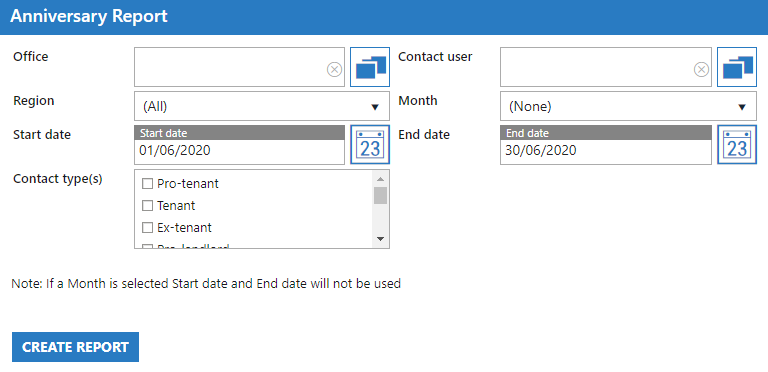
- Select the appropriate criteria to narrow down the results of your report as required. Example output of report below:
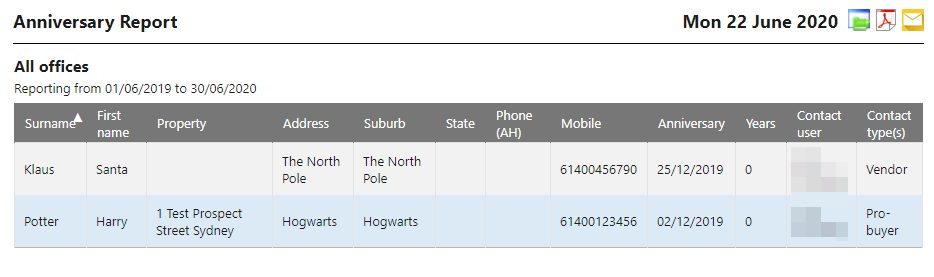
- Note that you are provided with the Anniversary Date for the Contact and the number of years since that date.