Purpose
This function gives you the ability to write “standard text” or a template that can be used again and again in communications sent by Core. You will find the option to insert standard text in the workflow of sending an email through the system. This saves you the time of copy/pasting or having to retype out a common message.
Instructions
- Click the Add Standard Text option from the Admin menu. The window below displays:
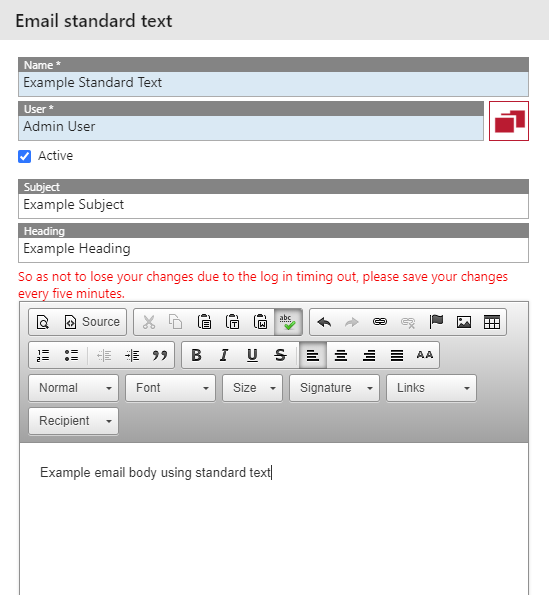
- Dummy information has been filled in for demonstration purposes. Give your Standard Text a title, and fill in any of the fields you wish to use repetitively, then Save once done.
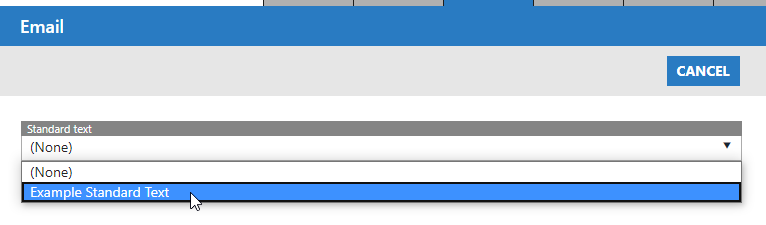
- Your standard text will be saved to be used when sending emails through the Core system. An example below of our demonstration appearing as a useable option now: