Purpose
Serves as a location to manage mobile phone numbers that do not work. This typically will have occurred if Core has attempted to SMS a contact as part of the post OFI workflow but has received an error message in response.
Instructions
- Click View Bad Mobile Numbers from the Admin menu
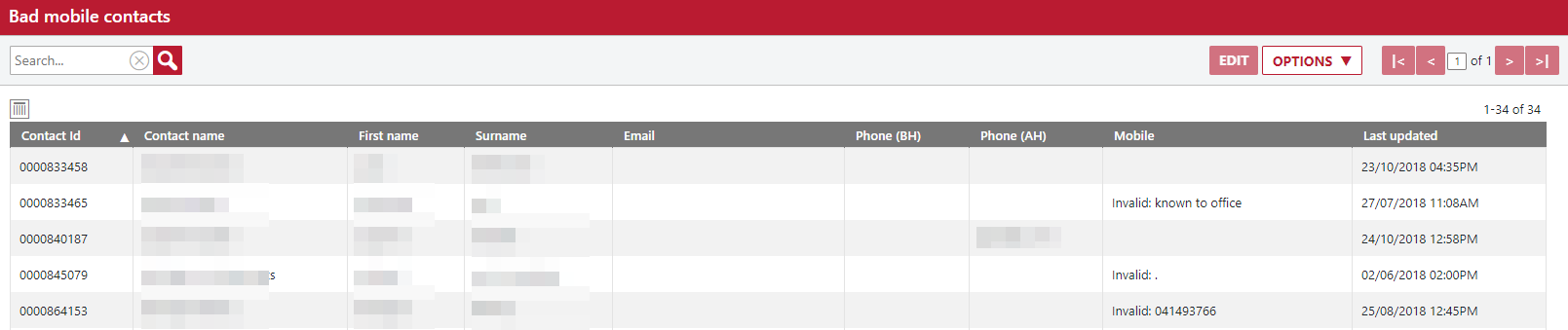
- Here you see the list of Contacts that have been picked up with issues. In this example the mobile field is blank for some Contacts, has an actual incorrect number or has text written into the field. These are all reasons that can cause a failure.
- You can double click on the contact, or highlight/edit them to resolve. It is good practice to check this area periodically to maximize your marketing coverage.