Purpose
This section will show you all of the enquiries that have been captured via your connected portals. This should be considered a staging area and is designed for you to be able to weed out bogus/spam/competing agency enquiries from the genuine ones that you want to answer.
Instructions
- Clicking Captured Enquiries brings you to the main screen listing all enquiries for your agency. You can search, or filter by New, Accepted or Rejected enquiries.
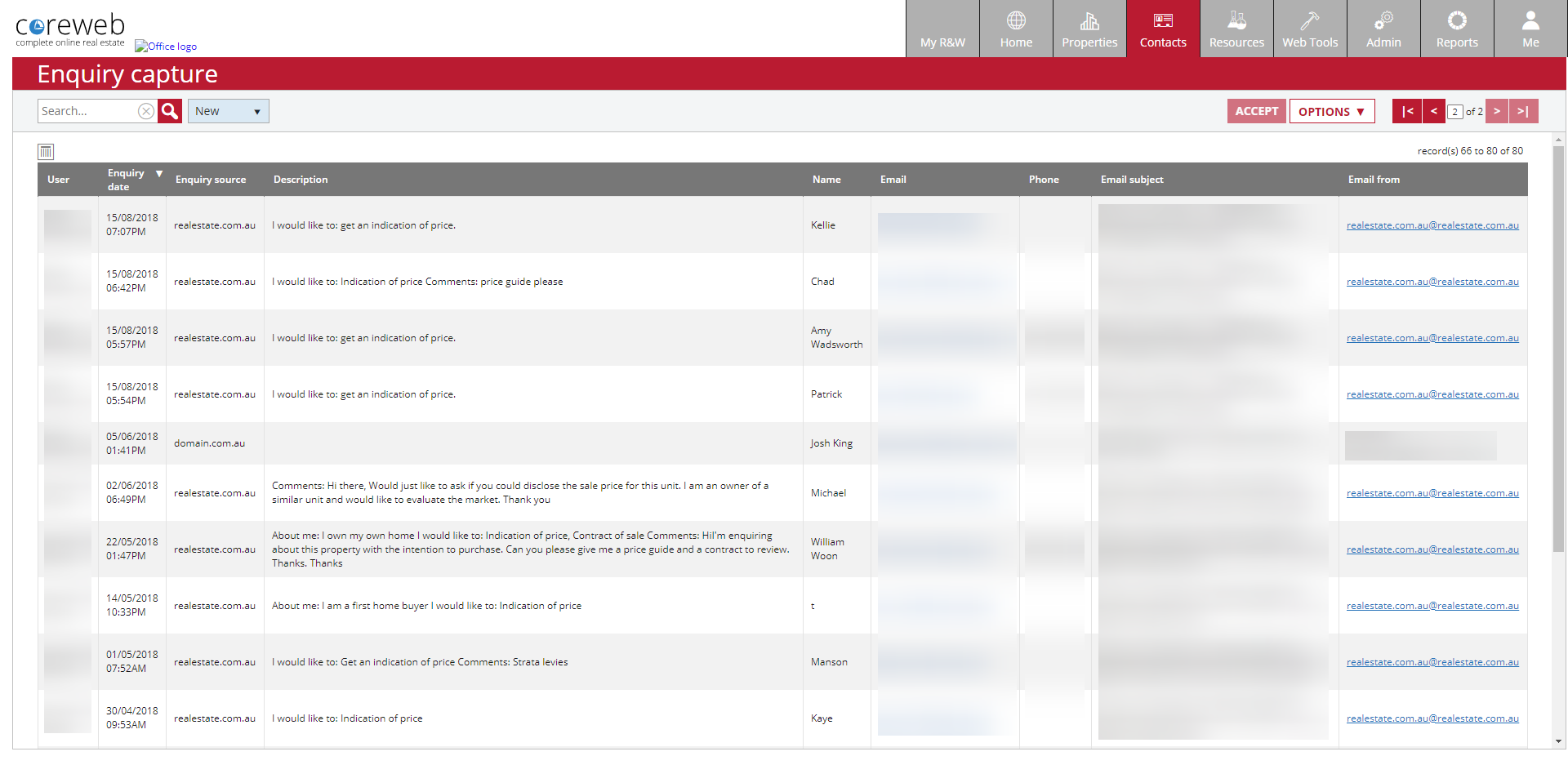
- Select an enquiry by left clicking on it, or alternatively you can select multiple by using Shift or Control on the keyboard. Once you have selected what you want, your options are primarily to either Accept or Reject them.
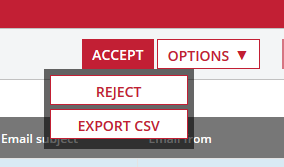
- Accepting an enquiry means that it will be logged against the particular Property. Detail of this can be found under the Property / Activity tab under the Enquiry heading. Rejecting an enquiry would typically be because you feel it is not genuine and is up to your discretion.