Purpose
To capture the details of enquiries made on your property. These can be used later to communicate with potential buyers/renters.
Instructions
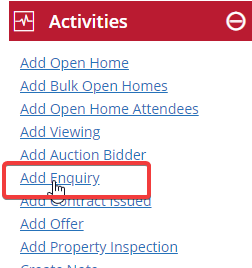
- Either select the property from your property list, or double click to open it, then click Add Auction Bidder from the Activities Menu
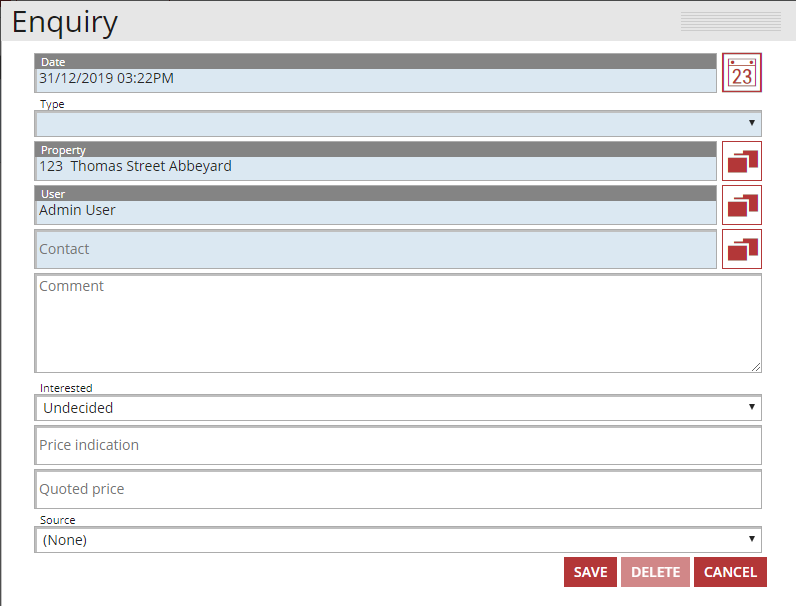
- Fill in the date, type, property details, User and Contact information, plus any other information you wish to document.
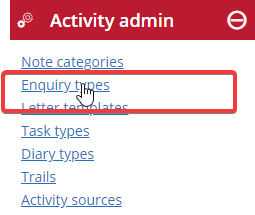
Note: The “Type” is completely customisable by visiting the Enquiry types section of Admin. See below:
- Once complete, hit the Save button. All enquiries are saved under the Activity tab of the property